
Name-Based Case Searches
Logan County points the public to its eServices area through Records Search. The county describes searching by defendant name. That description is narrow. It does not promise that every party role, spelling variation, or court division is searchable there, and it says nothing about partial names or added filters. Type the name exactly as it appears on a citation, summons, or court notice whenever you can.
A name that returns nothing can mean several things. The case may sit in a different court or division. The record may be older or restricted, or online coverage may be incomplete. Or no matching case exists. An empty result does not prove the absence of a court matter.
- Open the county-linked Records Search route and confirm the date of the search.
- Use the defendant-name option described by county material, following the live interface’s current instructions.
- Compare any result with the court named on the notice and with the exact spelling on that paper.
- When no reliable match appears, contact the likely clerk or court rather than widening the query with unsupported assumptions.
| Field or control | Type | Required | Verified note |
|---|---|---|---|
| Defendant name | Text entry or equivalent query | Not stated | County material identifies defendant name as a search concept. |
| Case number | Text entry or equivalent query | Not stated | County material identifies case number as a search concept. |
| Division, date, status, or party filters | Research gap | Research gap | The JavaScript search screen did not permit a verified field inventory. |
Logan County Records Search Limits
Records Search is an access channel the county links to, not a verified all-courts database. The county does not spell out its coverage by division, date range, case type, municipal case, or document image. Nor does it say whether the system exports, prints, resets, or filters by attorney, party role, or calendar. Those unknowns matter. A precise query that finds no online match may simply fall outside what the channel covers.
The General Division also publishes a Current Court Calendar on the county site. That page helps you spot a posted schedule. It is not a docket, though. A calendar PDF shows neither filed orders nor final results, so write down the displayed calendar date before relying on it.
Note: the description confirms two query concepts. It is not a full menu of search fields. Nor is it a promise of document access from the county's public search.
Case Number Searches
A case number is usually the best starting point. It ties your inquiry to one court file. Enter the court-issued number exactly as it appears on the paper, such as the number printed on the court notice. Logan County publishes no universal online number pattern, required prefix, or sequence format. Building a number from a name, a year, or a charge label can send the docket search to the wrong file.
Local Rule 2 gives the clerk caption labels for filed actions. CR stands for criminal. DR means domestic relations. RE covers URESA, and CV covers other actions. Treat these as filing-label clues rather than confirmed Records Search syntax. If the number does not resolve, keep the notice handy. Ask the clerk which division holds the case.
Logan County Case Search Labels
The clerk applies the Rule 2 labels at filing. They attach when an action or appeal is accepted in Logan County Common Pleas. Those labels help you tell a Common Pleas matter apart from a municipal citation or a Family Court record. They prove nothing about public access. A label does not show that every matter is searchable online, nor that a lookup contains each related filing.
- CR
- A local caption designation for criminal actions.
- DR
- A local caption designation for domestic-relations actions.
- CV
- A local caption designation for actions not otherwise specified by the rule.
- Division
- The court unit that may control the file, contact route, and access decision.
Retain the label when you call Logan County. The clerk can confirm whether it points to the right division for your record request.
Case Search Results Explained
No standard result screen exists to describe here. So it would be wrong to promise a fixed result row, a party list, filings, balances, disposition text, document links, or a full event history. Expect variation instead. When the live system returns a case, compare it against the court notice. For an official copy or any question about access, use the clerk.
| Case number | Verified as a county search concept; the research did not verify a standard display format. |
|---|---|
| Defendant name | Verified as a county search concept; matching and partial-name rules were not observed. |
| Case fields | Party, event, status, date, balance, and document fields were not verified from a sample record. |
| Documents | Online image and download availability were not verified and should not be presumed. |
| Official confirmation | The clerk or the division holding the file controls copy, certification, and restriction decisions. |
Once you find a local match, note the case number and division. Then ask the right Logan County office for the public item you need.
Logan County Case Search Clerk
For a Common Pleas case file, the Logan County Clerk of Courts Legal Department is the main contact. It sits at 101 S. Main St., Room 218, Bellefontaine, Ohio 43311, and answers at 937-599-7275 on weekdays from 8:30 a.m. to 4:30 p.m. The General Division keeps a separate Room 205 office. It also runs its own courtroom-scheduling phone line. So a docket question and a file-copy question may take different routing.
A focused request reaches the right desk faster. Give the case number first. Add the exact record sought, the likely division, and the approximate date. If access is denied or limited, ask which rule, order, or office governs the decision. Family Court keeps its own contacts. Domestic Relations, Juvenile, and Probate each have separate numbers, so a blanket request for every court record can slow things down.
Two Ways to Search: County and State
Ohio offers no single statewide trial-court search portal that covers Logan County. Start local instead. Use the county Records Search, the relevant court's calendar or counter, and the court named on the notice. Bellefontaine Municipal Court runs its own city-linked record and payment interface. Russells Point Mayor's Court posts no official public case-search portal.
| Record path | Best starting use | Limit to remember |
|---|---|---|
| Logan County Records Search | County-linked lookup by verified case-number or defendant-name concepts | Coverage and result detail are not fully verified. |
| Current Court Calendar | A currently posted General Division schedule | It is not the full case file or final disposition. |
| Bellefontaine municipal interface | City-authorized record or payment entry point | Fields, coverage, and certification are unverified. |
| PACER | Federal cases, not Ohio local court cases | Federal access is separate and account based. |
Logan County Federal Case Search
Federal cases take a different path in Logan County. The Southern District of Ohio places the county in the Eastern Division, which sits in Columbus. That matters because a Records Search query here cannot tell you whether a federal case exists. The reverse holds too: a federal docket is no substitute for the county clerk's record on a state or municipal case.
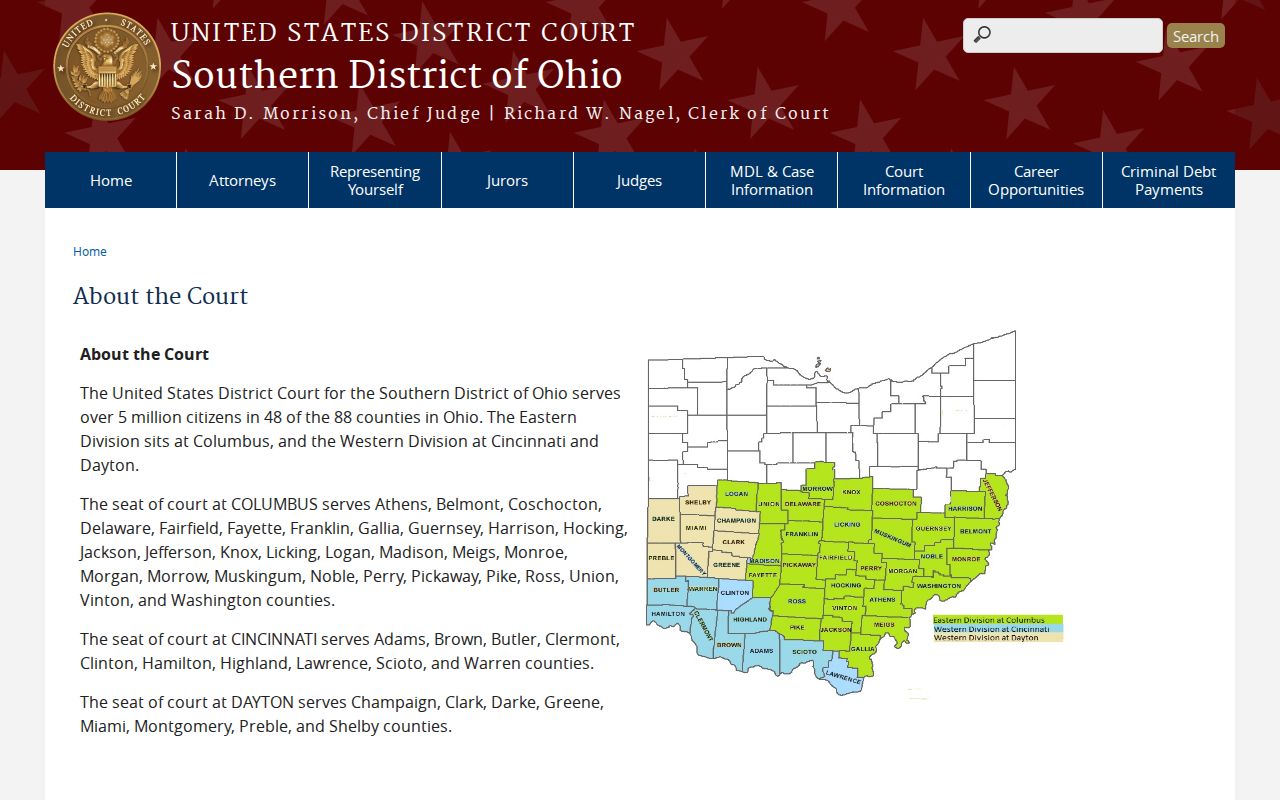
Knowing the venue keeps a Logan County search pointed at the court that truly holds the file.
Logan County Federal Case Filing
The Southern District's electronic case filing information draws a line between CM/ECF and public docket access. CM/ECF serves authorized filers in federal court. A public PACER account does not let anyone file an Ohio county pleading. Nor does the Logan County Records Search route mean a local case can be filed electronically.
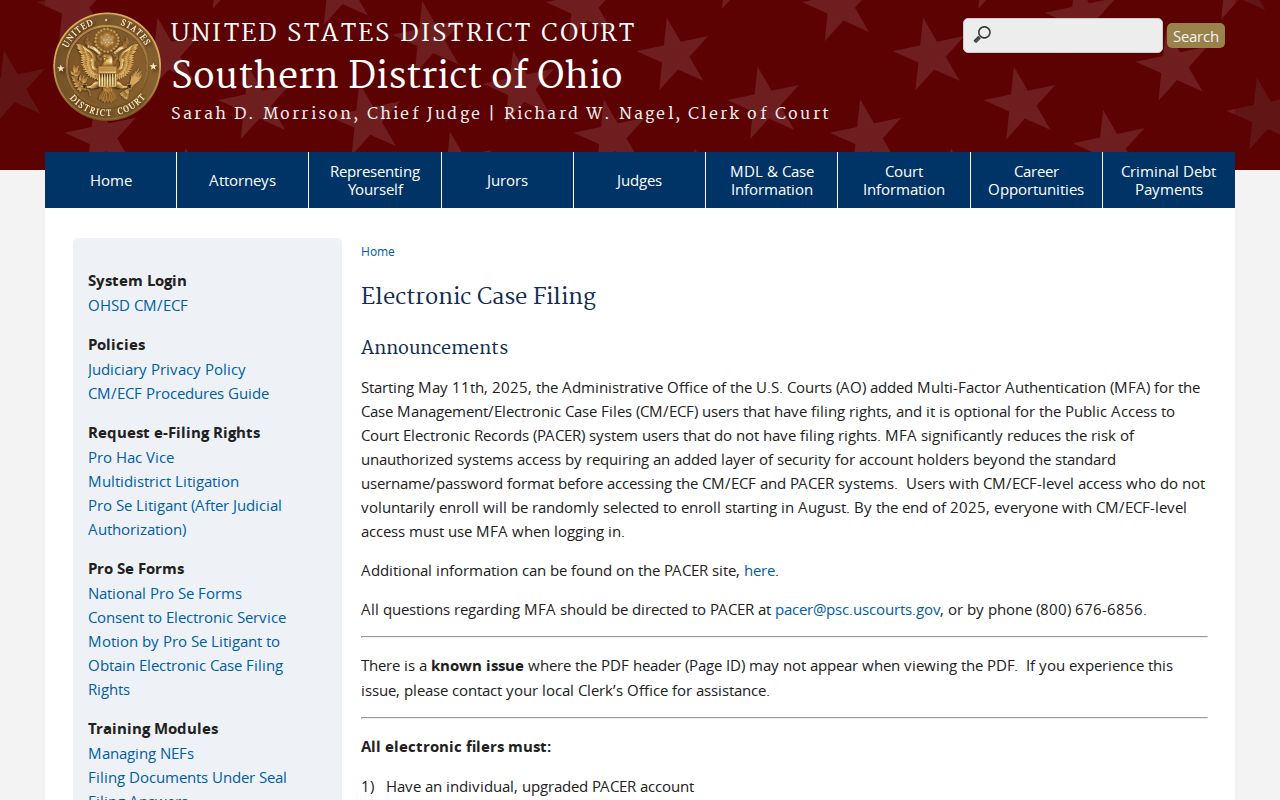
When a local filing deadline looms, current instructions from the Logan County clerk or court control.
Logan County PACER Case Search
For federal research, the judiciary offers PACER case-search-only registration. Signing up costs nothing. Searches and documents, though, can carry charges under PACER's current rules. Enter the federal case number or court information when you have it, and keep that inquiry apart from a Logan County court docket search.
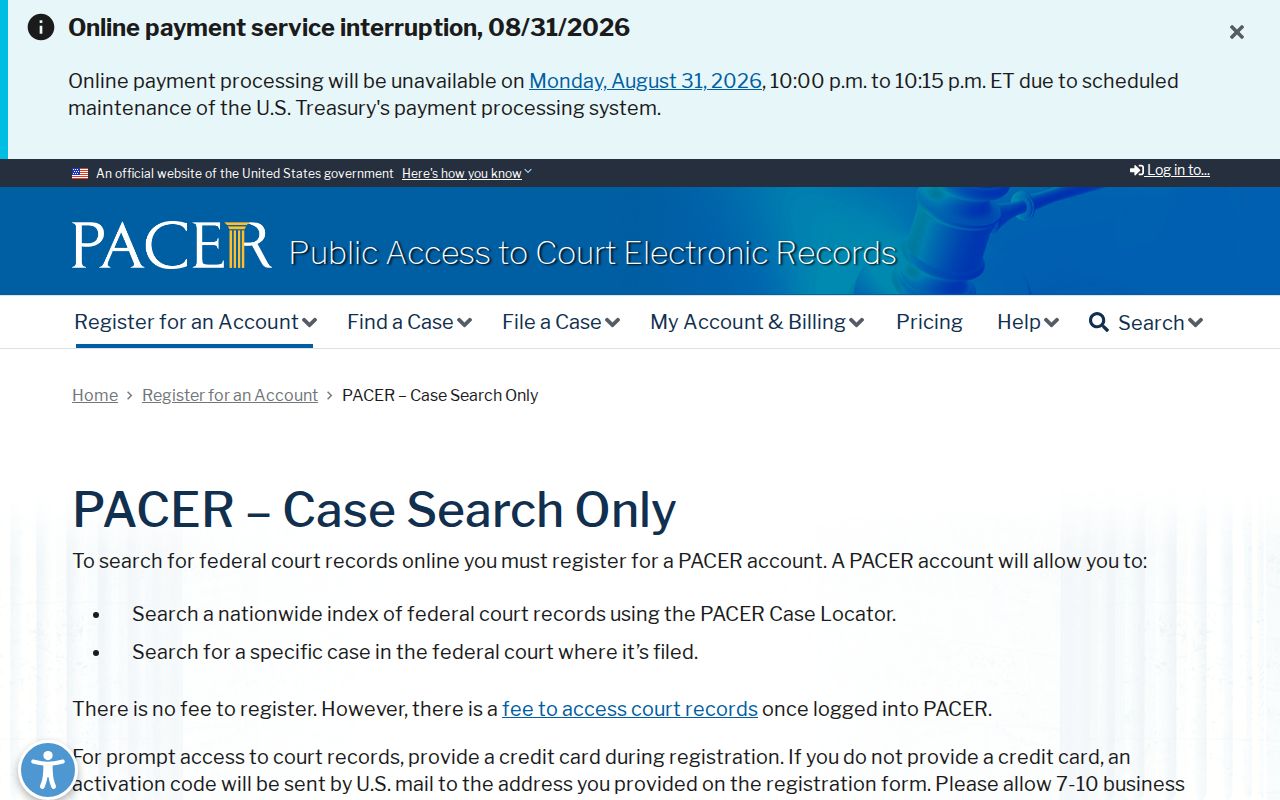
That route only pays off for matters that belong in federal court. A citation or Common Pleas notice naming a local court calls for a different search.
Logan County PACER Search Fees
Check the official PACER pricing page right before any federal query. PACER publishes charges of 10 cents per page, generally capped at $3 per document. Audio files run $2.40. When a quarter's total charges reach $30 or less, a waiver applies. These are federal PACER terms, not Logan County copy fees.
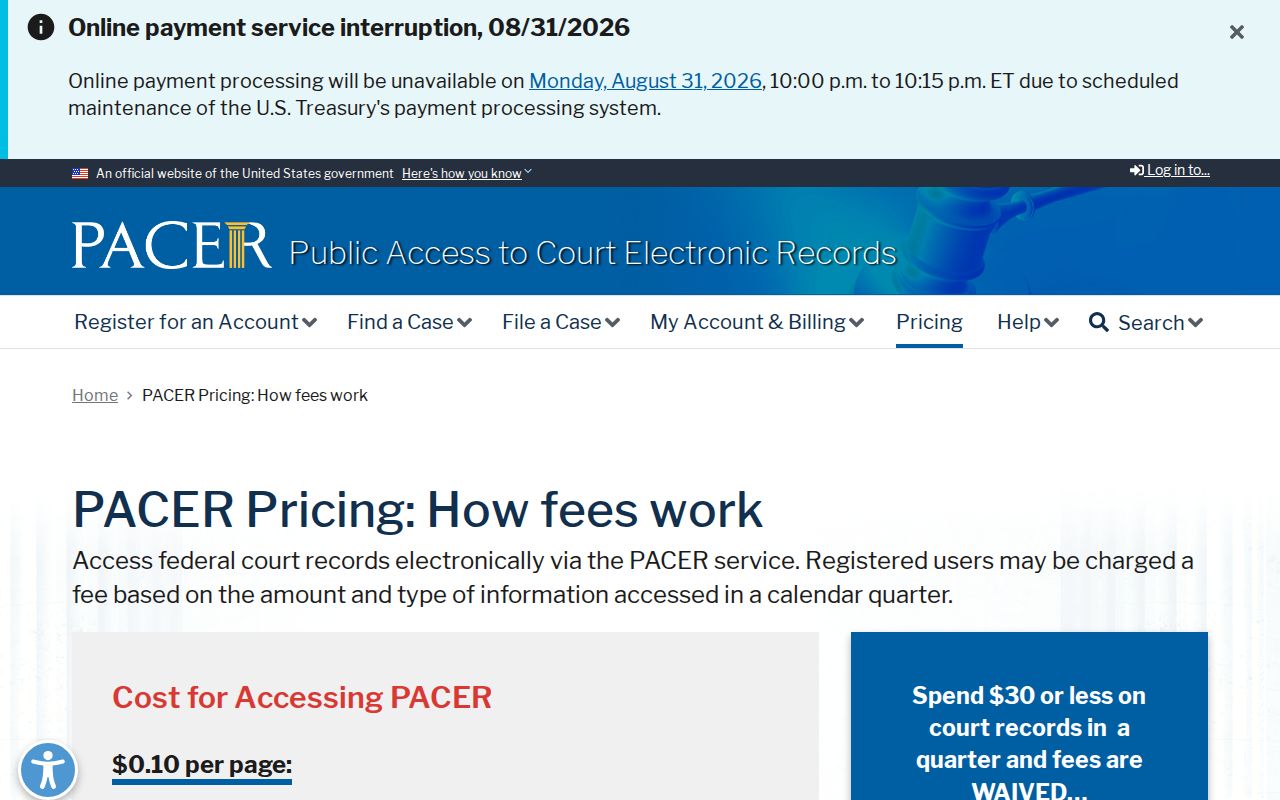
Checking that pricing source first keeps a federal charge from bleeding into an unrelated request at the county clerk's office. PACER terms can change. Treat no prior federal charge as a current quote.
Which Cases Stay Restricted
Rules of Superintendence 44 and 45 govern access to Ohio court records. They define record terms, require personal identifiers to be omitted, and allow restrictions in set circumstances. A Logan County online result can go missing for many reasons: an error, another court, limited coverage, age, a restriction, sealing, expungement, or simply no matching case. The result alone never names the reason.
Two statutes matter here. R.C. 2151.14 keeps juvenile probation reports and records confidential, subject to the statute, while R.C. 2953.32 covers sealing and expungement procedure. Rather than digging for sensitive detail through a general search, ask the proper division about a public index, a redacted copy, and the rule or order that controls access.
Logan County Appeal Case Records
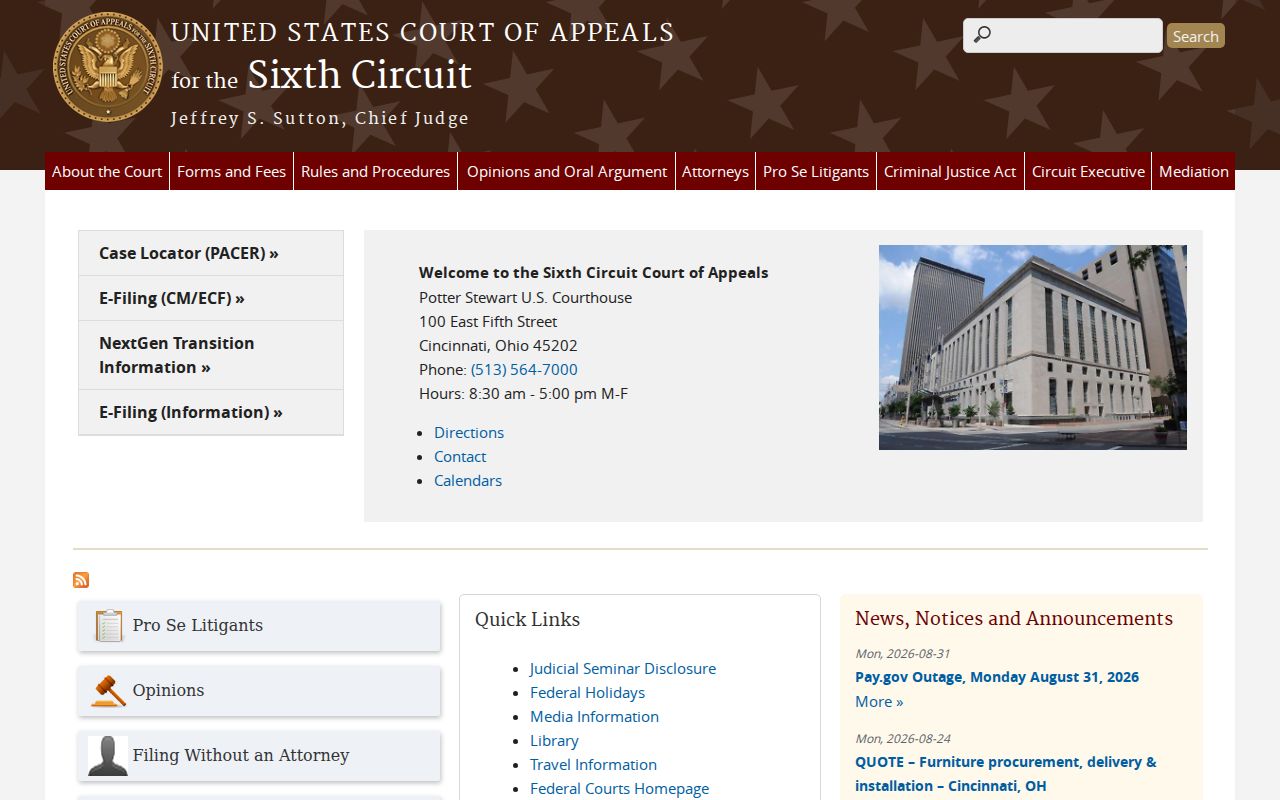
State appeals from Logan County trial courts travel to Ohio's Third District Court of Appeals. Federal appeals from the Southern District head instead to the U.S. Court of Appeals for the Sixth Circuit. Which route applies turns on the court that issued the order. Either way, the custody of the underlying local case file stays put.
Appeals carry strict deadlines and filing rules. Read the court notice and check current clerk instructions without delay.